
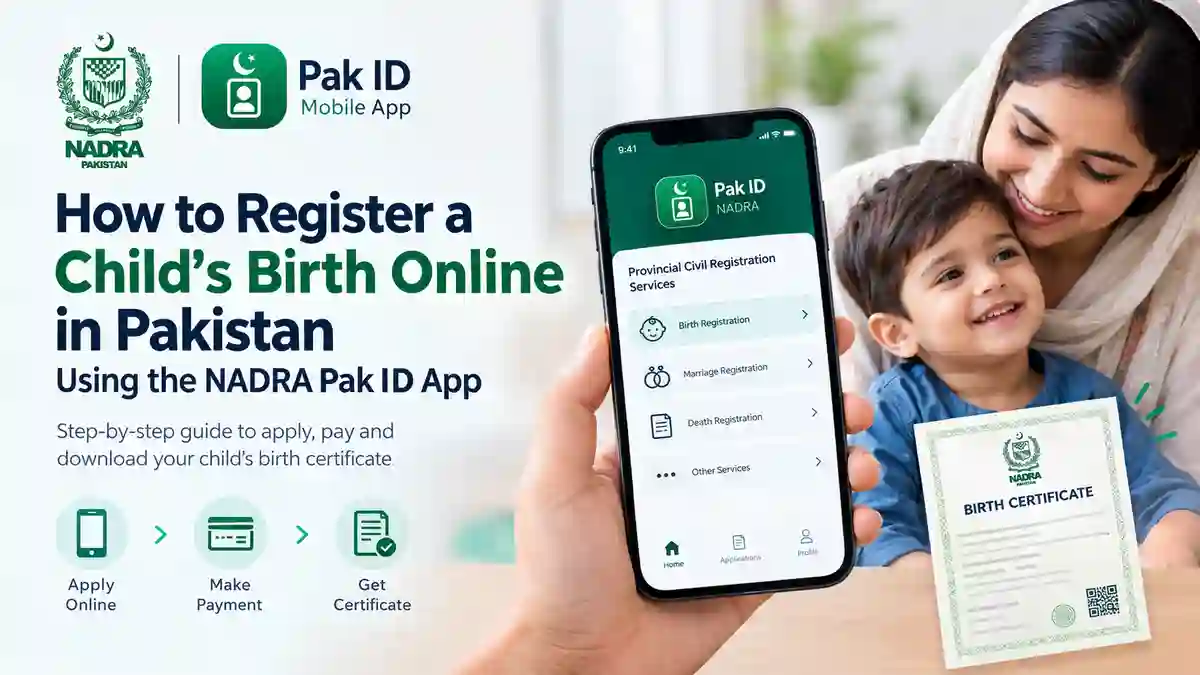
Parents in Pakistan can apply to register their child’s birth through the NADRA Pak ID mobile app without completing the entire process through in-person visits. The facility connects applicants with the relevant local registration authority, such as a Union Council or Municipal Committee.
The app allows parents to enter the required information, check the applicable fee, submit an application, and access the birth certificate when it becomes available. However, the process and requirements may vary by province and local authority.
Here is a step-by-step guide to applying for online birth registration through the Pak ID app.
What Is Online Birth Registration?
Birth registration is the official recording of a child’s birth with the relevant civil registration authority. It establishes an official record of the child’s birth details.
NADRA’s Pak ID app provides access to Provincial Civil Registration Services, including birth registration. The application is handled through the relevant local authority under the applicable rules.
It is important to understand that a birth certificate and a NADRA Child Registration Certificate (CRC), commonly called a B-Form, are different documents. Registering a birth does not automatically mean that a B-Form has also been issued.
What Do You Need Before Applying?
Before starting the application, keep the following information available:
- The child’s full name and date of birth.
- The parents’ details as recorded on their official identity documents.
- The child’s B-Form or other relevant registration number, if already available.
- The correct district, tehsil, and local registration authority.
- The required family, birth, and address information.
- A smartphone with the official Pak ID app installed.
The app may request additional details or supporting information depending on the child’s circumstances. Follow the requirements shown on your application rather than assuming that every applicant needs the same documents.
Also read: Change your date Of Birth on CNIC through NADRA
How to Register a Child’s Birth Online Through the Pak ID App
Follow these steps to begin the online birth-registration process.
Step 1: Download the Official Pak ID App
Install the official Pak ID mobile application on your smartphone. NADRA provides the app for Android and iOS devices.
Open the application and sign in to your existing account. If you are a new user, create an account and complete the required registration steps.
Always use the official application and avoid sharing your login credentials or verification codes with anyone.
Step 2: Open Provincial Civil Registration Services
After signing in, locate the Provincial Civil Registration Services section.
Select the relevant province and choose the Birth option from the available services.
The app may display children already linked to your family record. Select the child whose birth you want to register.
If the child does not appear in the list, look for the option indicating that the child is not listed. Select it and continue according to the instructions on the screen.
Step 3: Select Your Local Registration Authority
The application will ask you to provide details about the authority responsible for the registration.
Select the appropriate district, tehsil, and Union Council or other available local registration body.
You may also need to select the application category and enter the child’s date of birth.
Check these details carefully. Selecting the wrong local authority could cause problems during the application process.
Step 4: Calculate the Birth Registration Fee
Look for the Calculate Fee option in the application.
Select it to check the amount payable for your particular registration request. The fee may depend on the applicable provincial rules, the registration category, and other relevant circumstances.
There is no need to assume that one fixed fee applies throughout Pakistan. Check the amount displayed for your application before proceeding.
Once you have reviewed the fee, select Start Application if you wish to continue.
Step 5: Enter the Child’s Details
The next screen will ask for information about the child.
If the child’s details are already available in NADRA’s records, select the appropriate option and enter the requested B-Form or identity-document number, if applicable. The app may retrieve information already recorded in the system.
Review the displayed information before moving forward.
If the child is not already listed in the system, select the relevant alternative and enter the required details manually. Make sure the child’s name, date of birth, and other information are accurate.
Step 6: Provide the Parents’ Information
Complete the Parent Details section using the information requested by the app.
Ensure that the parents’ names and identity details match their official records. Differences in names, identity numbers, or other particulars may require clarification during verification.
If the application requests additional information about the family, provide it accurately before proceeding.
Step 7: Complete the Additional Birth and Family Details
The application may ask for further information about the birth and the child’s family.
Complete all mandatory fields shown on the screen. Do not guess if you are unsure about a detail. Check the relevant records before entering the information.
Review your answers before moving to the next stage. Accurate information can help reduce avoidable delays and objections.
Step 8: Complete Any Required Photograph or Biometric Steps
Depending on the child’s age and the type of application, the app may require a photograph or biometric information.
NADRA’s general child-registration requirements distinguish between different age groups. For example, children aged three to under ten generally require a photograph and iris data for relevant child identity registration. For children aged ten to under eighteen, fingerprints may also be required.
These requirements relate to NADRA’s child identity services and should not automatically be treated as identical to every birth-registration application.
Follow the exact instructions displayed in the Pak ID app. If a photograph is requested, make sure the child’s face is clear and positioned correctly within the on-screen guide. If biometric capture is requested, complete the process as instructed.
Step 9: Select the Address for the Certificate
The application may ask you to select the address to be included in the birth-registration record or certificate.
Choose the appropriate option from the addresses available in your application. Check the address carefully before continuing.
If the displayed information is incorrect, review the available correction options rather than submitting inaccurate details.
Step 10: Pay the Applicable Fee
After completing the required information, proceed to the payment section.
NADRA lists several payment methods for Pak ID services, including credit and debit cards, Raast, JazzCash, Easypaisa, and e-Sahulat. The options available may depend on the service and application.
Select a payment method shown in your app and follow the instructions to complete the transaction.
Keep the payment confirmation or receipt for your records.
Step 11: Review and Submit Your Application
Before final submission, use the review option to check the information you have entered.
Pay particular attention to:
- The child’s name and date of birth.
- The parents’ names and identity details.
- The selected district and registration authority.
- The address and other birth details.
- Any required documents or photographs.
Correct any mistakes before submitting the application. Once everything is accurate, accept the required declarations and submit the form.
Wait for the application confirmation shown by the app and keep any reference number or status information available.
What Happens After You Submit the Application?
Submitting the online form does not necessarily mean that the birth certificate is ready for download.
The application must go through the applicable processing and verification procedures. The relevant registration authority may request clarification or further action if something is missing or needs verification.
Check the Applications section of the Pak ID app for updates. If the application shows an objection or asks you to visit a registration centre, follow the instructions provided.
Processing time may vary. Do not rely on an assumed delivery date unless the app or the responsible authority provides one.
How to Download the Birth Certificate Through Pak ID
Once the application has been processed and the certificate is available, open the Pak ID app and go to the Applications section.
Locate your submitted application and check its current status. If the download option is available, select it and follow the on-screen instructions.
The certificate may then be available in the app’s ID Vault, which is used to access supported digital documents.
If the certificate is not available yet, check the application status and follow any outstanding instructions. Successful submission alone does not guarantee immediate issuance.
Is Online Birth Registration Available Throughout Pakistan?
NADRA provides access to Provincial Civil Registration Services through the Pak ID app, but the availability of a particular service can depend on the location and participating local authority.
Before starting, select your province and check whether the relevant birth-registration option is available for your district and registration category.
If the service is unavailable or your case cannot be completed online, contact the relevant Union Council, Municipal Committee, or other responsible registration authority for guidance.
Important Things Parents Should Remember
Keep these points in mind when applying for a child’s birth registration online:
- Use the official Pak ID app.
- Enter the child’s information exactly as supported by the relevant records.
- Check the applicable fee in the app before making payment.
- Follow the requirements shown for your child’s age and application type.
- Save the payment confirmation and application reference details.
- Check the application status regularly for updates or requests for additional information.
- Remember that a birth certificate and a NADRA B-Form are separate documents.
Following these precautions can help you complete the application more carefully and avoid common mistakes.
Frequently Asked Questions
Can I register my child’s birth online in Pakistan?
The Pak ID app provides access to online birth-registration services in participating areas. Availability depends on the relevant province, local authority, and application type.
Is the birth registration fee the same across Pakistan?
Not necessarily. The applicable fee can depend on provincial rules and the circumstances of the registration. Use the Calculate Fee option in the app to check the amount for your application.
Do I need a B-Form before registering my child’s birth?
The requirements depend on the application and the child’s existing records. The app may request a B-Form or other registration details if available. Follow the instructions shown for your particular case.
Is a birth certificate the same as a B-Form?
No. A birth certificate records a child’s birth through the relevant civil registration authority. A B-Form, also known as a Child Registration Certificate, is a separate NADRA identity document for children.
Can I download the birth certificate immediately after submitting the form?
Not necessarily. The application must be processed, and the certificate must become available before you can download it. Check the status in the Pak ID app.
What should I do if my application is delayed or an objection appears?
Open the application status section and read the instructions carefully. If additional information or an in-person visit is requested, contact or visit the relevant registration authority as directed.
Which payment methods can I use?
Available options may include credit and debit cards, Raast, JazzCash, Easypaisa, and e-Sahulat. The methods displayed in your application determine which options you can use.
Summing Up
The NADRA Pak ID app provides a convenient way to begin registering a child’s birth online without completing every step through physical visits. Parents can enter the required details, check the applicable fee, make payment, and monitor the application through the app.
However, the service does not remove the need for accurate information or any verification required by the relevant authority. Check the instructions carefully, keep your application details safe, and download the certificate when it becomes available.
For the latest service information, visit the official NADRA website or use the official Pak ID app.
