
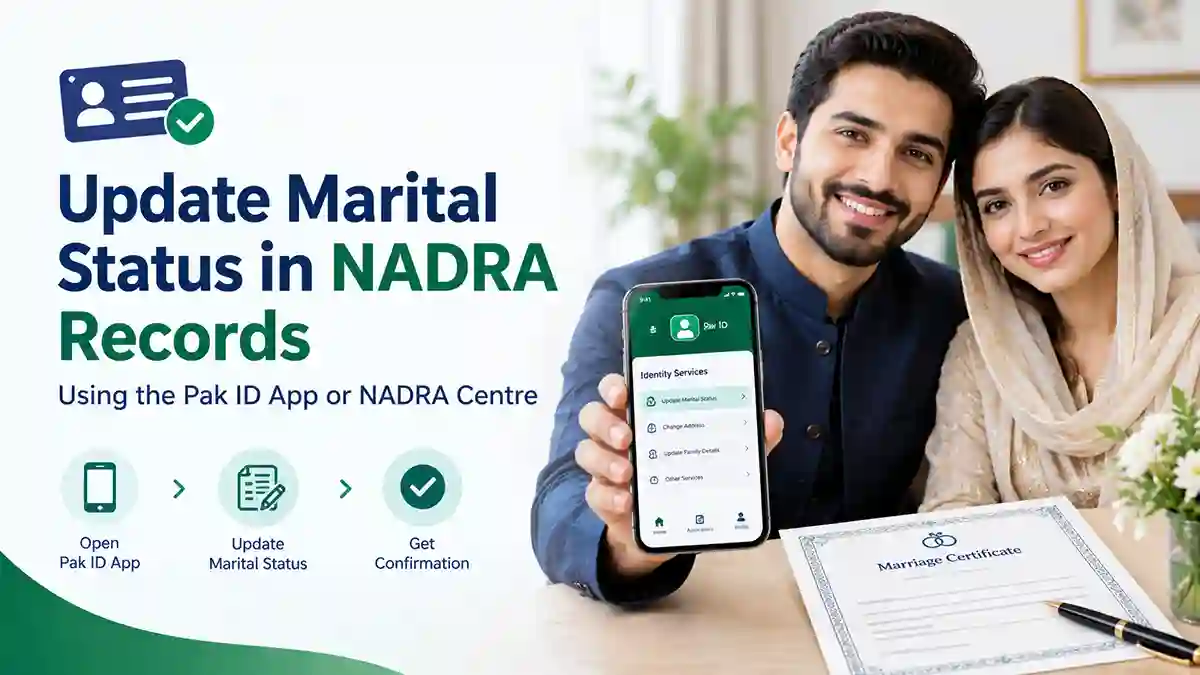
Getting married is an important life event. After marriage, it is also important to ensure that your marital status is correctly recorded in the National Database and Registration Authority (NADRA) records.
In Pakistan, citizens can request an update to their marital status through the NADRA Pak ID mobile app or by visiting a NADRA Registration Centre. Before starting, applicants must obtain a computerized marriage certificate from the relevant local registration authority.
This guide explains how to update your marital status in NADRA records, which documents you may need, and what to do if your marriage record is missing or contains incorrect information.
Why Should You Update Your Marital Status in NADRA Records?
Keeping your NADRA information accurate helps maintain correct personal and family records. It can also help when you need identity documents or other official services.
An updated marital status may be relevant when applying for a Family Registration Certificate (FRC), registering children, or completing other documentation procedures.
Married women who want to add their husband’s name to their identity card should also check the applicable modification requirements. Updating marital status in the database and requesting a newly printed CNIC are not necessarily the same service.
What Do You Need Before Updating Your Marital Status?
Before starting the process, arrange the following information and documents:
- Computerized marriage certificate: Obtain it from the relevant Union Council, Cantonment Board, Municipal Committee, or other competent local registration authority.
- CRMS number: Keep the Civil Registration Management System number associated with your computerized marriage certificate.
- Valid CNIC or NICOP: Have your identity document and its details available.
- Pak ID account: If applying online, you will need access to the official Pak ID mobile app and your account.
- Supporting documents: Keep any additional documents requested by NADRA for your particular application.
Check that your name and other particulars match your official records. If the marriage certificate contains an error, contact the authority that issued it before submitting your NADRA application.
Also read: How to Register a Child’s Birth Online in Pakistan Using the NADRA Pak ID App
How to Update Marital Status Through the NADRA Pak ID App
The Pak ID app allows eligible applicants to request certain identity-record modifications online. Follow these steps to begin the process.
Step 1: Obtain a Computerized Marriage Certificate
First, ensure that your marriage has been registered with the relevant local authority.
Contact the Union Council, Cantonment Board, Municipal Committee, or other competent authority responsible for your marriage registration. Request a computerized marriage certificate if you do not already have one.
Check the information on the certificate carefully. Make sure the names and other particulars are correct.
Step 2: Keep Your CRMS Number Ready
Your computerized marriage certificate contains information associated with the Civil Registration Management System (CRMS).
Keep the relevant CRMS number available before opening the Pak ID app. You may need it to help link your registered marriage information with your NADRA records.
If you cannot find the number or the marriage record does not appear in the system, contact the local authority that registered the marriage for assistance.
Step 3: Download and Open the Official Pak ID App
Install the official Pak ID mobile application on your Android or iOS device.
Open the app and sign in to your existing account. If you are a new user, follow the instructions to create an account and complete the required verification.
Always use the official application. Do not share your password, verification codes, or identity documents with unauthorized individuals.
Step 4: Select the Relevant Modification Service
After signing in, look for the CNIC modification or update of non-printable information service, as applicable to your identity document.
Marital status is generally treated as non-printable information when the applicant only wants the database record updated without a newly printed card.
The available options may differ depending on your document type and eligibility. Select the service that matches your requirement and follow the instructions shown on the screen.
Step 5: Enter Your Marriage Details
Provide the information requested by the application.
You may need to enter details associated with your computerized marriage certificate and CRMS record. Complete all mandatory fields and upload the supporting documents requested by the app.
Review your entries before proceeding. Even a small difference in names or registration details may require further verification.
Step 6: Submit the Application and Pay the Applicable Fee
Once you have completed the required information, review your application and submit it according to the instructions.
If a fee applies, the app will guide you through the available payment options. Pak ID supports online payment methods for eligible services, but the options shown may vary.
Keep your payment confirmation and application tracking information for future reference.
Step 7: Track Your Application
After submission, use the application’s tracking feature to check for updates.
NADRA may require additional documents or verification depending on your case. Respond to any request shown in the app.
Do not assume that your marital status has been updated merely because the application was submitted. Confirm the outcome through the available application status or NADRA’s official assistance channels.
How to Update Marital Status at a NADRA Registration Centre
If you prefer to complete the process in person, you can visit a nearby NADRA Registration Centre.
Follow these steps:
- Obtain your computerized marriage certificate from the relevant local authority.
- Keep the associated CRMS number available.
- Take your valid CNIC or NICOP and any supporting documents requested for your case.
- Tell the staff that you want to update your marital status in NADRA records.
- Complete the required application, identity verification, or biometric steps.
- Pay the applicable fee, if required, and keep your receipt or tracking details.
The staff can guide you about the appropriate modification category and whether a new identity card is needed.
Do You Need to Get a New CNIC After Marriage?
Not every marital-status update requires a newly printed identity card.
NADRA distinguishes between non-printable information updates and modifications that require a new card. Marital status may be updated in the database without printing a replacement card.
However, if you want to change the information printed on your card, such as adding your husband’s name where applicable, you may need to apply for a card modification.
Before submitting your application, confirm whether you want only a database update or a physical card with changed information. The applicable fee and processing requirements may differ.
What Is the CRMS Number, and Why Is It Important?
CRMS stands for Civil Registration Management System. It supports the recording of major civil events, including births, marriages, divorces, and deaths, through authorized local registration authorities.
The computerized marriage certificate provides information that helps connect your marriage registration with the relevant records.
If your marriage certificate is available but NADRA cannot verify the record, the issue may involve incorrect details or incomplete registration information. Contact the authority that registered your marriage and ask it to verify the record and CRMS details.
What Should You Do If Your Marriage Record Is Missing?
If your marital status cannot be updated, do not immediately submit multiple applications.
First, check whether your marriage was officially registered with the correct local authority. Confirm that your computerized marriage certificate contains accurate details and that the relevant CRMS record is available.
If you discover an error, ask the issuing authority how to correct it. Once the record has been corrected or verified, follow NADRA’s instructions to continue with the marital-status update.
If the problem remains unresolved, contact NADRA through its official support channels or visit a Registration Centre for guidance.
Frequently Asked Questions
Can I update my marital status online in Pakistan?
Eligible applicants can request applicable identity-record modifications through the official Pak ID app. The available service depends on the applicant’s identity document and circumstances.
Is a computerized marriage certificate necessary?
Applicants should obtain a computerized marriage certificate from the relevant local registration authority before requesting the update. Keep its associated CRMS number available.
Can I update my marital status without visiting a NADRA office?
The Pak ID app supports eligible online modification services, including updates to non-printable information. However, some applications may require additional verification or an in-person visit.
Do I have to change my CNIC after marriage?
A database update does not necessarily require a newly printed CNIC. If you also want to change information printed on the card, you may need to apply for a physical card modification.
How much does it cost to update marital status in NADRA records?
The applicable fee depends on the service and whether you need only a database update or a modified identity card. Check the current fee displayed by Pak ID or confirm it with NADRA before paying.
How long does the update take?
Processing time depends on the service category and any verification required. Check the current processing information provided by NADRA when submitting your application.
Contact the Union Council, Cantonment Board, Municipal Committee, or other authority that registered your marriage. Ask it to verify the computerized marriage certificate and associated record before continuing.
Can I update my marital status if I live overseas?
Overseas Pakistanis should check the available services for their NICOP or other relevant identity document through the official Pak ID app. The applicable process may differ from the one for a locally issued CNIC.
Conclusion
Updating your marital status in NADRA records helps keep your official information accurate after marriage. The process starts with obtaining a computerized marriage certificate and keeping the associated CRMS number ready.
Eligible applicants can use the Pak ID app to request an online update, while others can visit a NADRA Registration Centre for assistance. Check your information carefully, confirm the applicable fee, and follow the official instructions until the update is complete.
For the latest requirements and service information, visit the official NADRA website or use the official Pak ID mobile app.
