
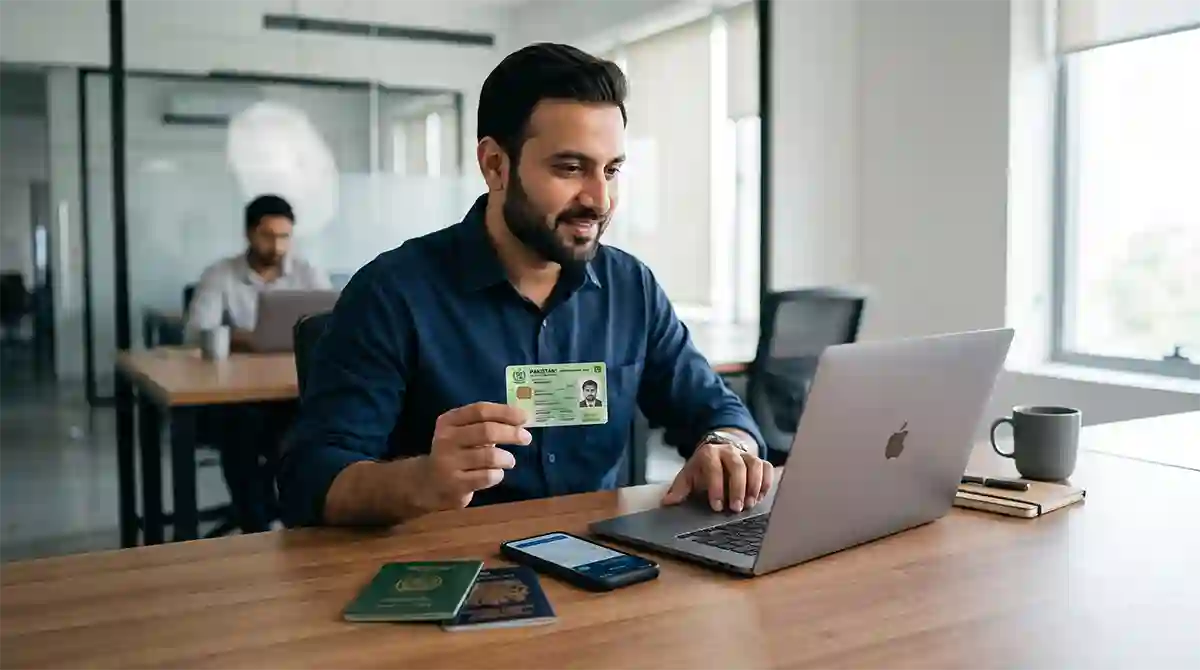
Living abroad comes with unique administrative responsibilities, and for non-resident Pakistanis, possessing a National Identity Card for Overseas Pakistanis (NICOP) is essential. Issued by the National Database and Registration Authority (NADRA), the NICOP serves as official proof of identity for Pakistani citizens residing, working, or studying overseas. In this article, you will learn how Overseas Pakistanis can apply for NICOP online.
Whether you are applying for your first NICOP, renewing an expired card, or registering a newborn child abroad, understanding the application steps can save you considerable time and effort.
Here is everything you need to know about applying for a NICOP smoothly.
What is a NICOP and Who Needs It?
The NICOP is a specialized identity document provided to Pakistani citizens who live in foreign countries or hold dual nationality.
Key Benefits of Having a NICOP:
- Visa-Free Entry: Dual nationals can travel to Pakistan without requiring a Pakistani visa.
- Property Ownership: Essential for buying, selling, or transferring real estate in Pakistan.
- Banking Services: Required to open and manage bank accounts, including Roshan Digital Accounts (RDA).
- Official Proof of Identity: Recognized by Pakistani embassies and consulates worldwide.
Methods of Application: Online vs. In-Person
NADRA provides two convenient channels for overseas Pakistanis to apply for a NICOP:
1. Online via Pak Identity (Recommended)
The fastest and most convenient method is applying through NADRA’s official web portal (Pak Identity) or the Pak ID mobile app.
- Accessibility: Apply from anywhere in the world without visiting an embassy or consulate.
- Digital Biometrics: Capture your fingerprints, signature, and photograph directly using the Pak ID mobile app.
- Doorstep Delivery: Once processed, your physical card is dispatched directly to your overseas residence via courier.
2. In-Person at a NADRA Registration Centre (NRC)
If you prefer in-person assistance, you can visit a local NADRA office, Pakistani Embassy, or Consulate in your country of residence.
- Walk-in or book an appointment online (depending on embassy policies).
- Data entry and biometric capture are performed on-site by staff.
Step-by-Step Guide to Applying Online
If you choose the online method, follow these simple steps:
- Create an Account: Visit the Pak Identity portal or download the mobile app and register using your email address and mobile number.
- Start a New Application: Select the relevant category (New NICOP, Renewal, or Modification).
- Fill in Personal Information: Provide personal details, current overseas address, and address in Pakistan.
- Upload Required Documents: Scan and upload clear images of required documents (such as your valid foreign passport or birth certificate).
- Biometric Verification: Use the Pak ID mobile app to scan your fingerprints and upload a compliant photograph.
- Pay the Fee: Make an online payment using a debit or credit card.
- Submit & Track: Submit your application and use your Tracking ID to monitor its progress.
Required Documents
While requirements may vary slightly based on individual cases, the core documents required for a new NICOP generally include:
- Valid Passport: Pakistani passport or foreign passport (for dual nationals).
- Proof of Pakistani Lineage: CNIC/NICOP of parents or spouse.
- Birth Certificate: Required for first-time applicants born abroad (attested if necessary).
- Marriage Certificate: (MRC) required for updating marital status.
Processing Tracks and Fee Zones
NADRA categorizes countries into Zone A and Zone B based on geographical regions and cost structures. Additionally, processing speeds are split into three tiers:
- Normal Track: Cost-effective; longer delivery timeframe.
- Urgent Track: Faster processing time for those with urgent travel plans.
- Executive Track: Priority processing with the fastest turnaround time.
Conclusion
Applying for a NICOP has become significantly easier thanks to NADRA’s digital transformation. By preparing your documents in advance and using the Pak Identity portal or app, you can complete the entire process from the comfort of your home.
Also read:

Hi, I’m actually in Ireland and I want to get in touch with you.
Yes please.