
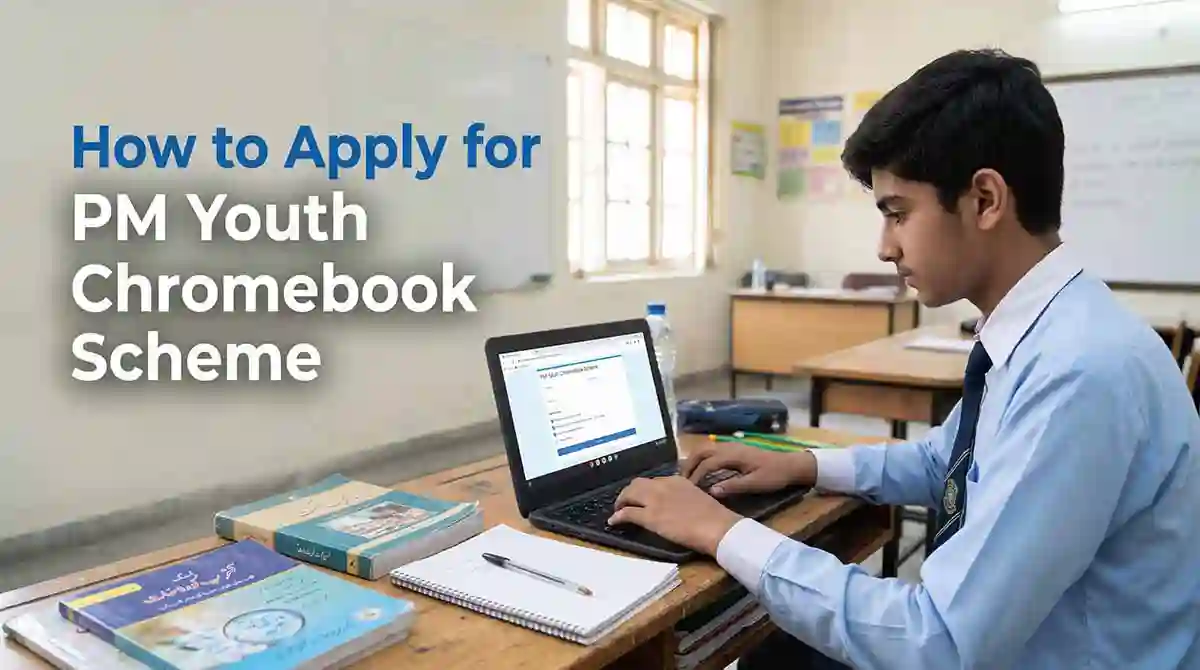
Here you will learn how you to apply for the PM Youth Chromebook Scheme in Pakistan. If I am a student in Pakistan, I can check whether I qualify for the Prime Minister’s Youth Chromebook Scheme. The government plans to distribute 500,000 refurbished Chromebooks to eligible students to support digital learning.
I can use a Chromebook for online classes, research, assignments, document preparation and other educational activities. Before applying, I should check the eligibility criteria and prepare my documents.
Who Can Apply for the PM Youth Chromebook Scheme?
I must first check Eligibility criteria whether my school and examination board are covered by the scheme.
According to the official portal, students from government and public schools are eligible for consideration. In Punjab, Sindh, Khyber Pakhtunkhwa and Balochistan, the scheme considers top-performing Grade 9 students based on the 2026 annual examinations.
Students from Islamabad Capital Territory, Azad Jammu and Kashmir, and Gilgit-Baltistan may be considered from both Grade 9 and Grade 10.
I should remember that meeting the basic requirements does not guarantee a Chromebook. Selection depends on academic performance and the scheme’s allocation criteria.
How I Can Apply Online
I can follow these steps to check my record and submit my application.
Step 1: Open the Official Website
First, I should visit the official PM Youth Chromebook Scheme portal. I should use this website instead of unofficial links to protect my personal information.
Step 2: Select My Education Board
After opening the website, I should select the education board under which I appeared in my examination.
I must choose the correct board so the system can search for my academic record.
Step 3: Enter My Identification Details
Next, I should enter the requested identification information. I may use my CNIC or B-Form number, roll number, or registration number, depending on the available search option.
I should enter the details exactly as they appear in my official records.
Step 4: Enter My Date of Birth
I should provide my date of birth as requested on the portal.
Before continuing, I must check that it matches my official identification or academic record.
Step 5: Search for My Record
After entering the required details, I should click the “Find My Record” button.
The portal will search for my information using the details I have provided.
Step 6: Check My Academic Information
If the system finds my record, I should carefully review the information displayed on the screen.
I should check my name, school details and examination marks. If anything appears incorrect, I should seek guidance from my education board before submitting my application.
Step 7: Try Another Search Method if Needed
If my record does not appear when I use my CNIC or B-Form number, I can try my roll number or registration number.
If I still cannot find my record, I should contact my relevant education board for assistance.
Step 8: Upload the Required Documents
Once my record is available, I should prepare the documents required by the portal.
These include:
- A recent colour photograph with a plain background.
- My relevant SSC-I or SSC-II mark sheet.
- An attested copy of my B-Form or CNIC.
- An attested copy of my father’s or guardian’s CNIC.
I should make sure that all documents are clear and readable. The portal specifies a maximum file size of 300 KB for each document. I should also follow its instructions for accepted file formats.
Step 9: Review and Submit My Application
Before submitting the form, I should check all my personal details and uploaded documents.
I must be careful because the official portal states that I cannot edit the application myself after submission. I should correct any mistakes before proceeding.
Step 10: Save My Application Slip
After successful submission, I should receive a reference number and an application slip.
I should download the slip and keep it safe. It can help me refer to my application later.
What Should I Do if My Record Is Missing?
If the portal cannot find my record, I should not immediately assume that I am ineligible.
First, I can try searching with another available number, such as my roll number or registration number. If the problem continues, I should contact my education board because the portal uses academic information supplied by the boards.
Can I Submit More Than One Application?
No. The official portal allows only one application per student.
I should therefore check every detail before submitting the form. I should also provide accurate information because incorrect or false details may affect my eligibility.
Is There an Application Deadline?
I should check the official portal and announcements from my education board for the latest registration schedule.
The portal states that registration for students in Sindh will open after all Sindh examination boards announce their Grade 9 annual examination results for 2026. I should check the website regularly for updates.
Summing Up
If I want to receive a Chromebook under the PM Youth Chromebook Scheme, I should start by checking my eligibility on the official website. I should enter my details carefully, upload the required documents and save my application slip after submission.
I should also remember that submitting an application does not guarantee selection. The authorities will consider eligible students according to the scheme’s criteria and available allocations.
